From Excel to Docker: Chronicle of a Deployment in Legacy Infrastructure
Let me tell you how I deployed a modern app with React and FastAPI on an old Windows Server 2012 R2 using Docker and Hyper-V.
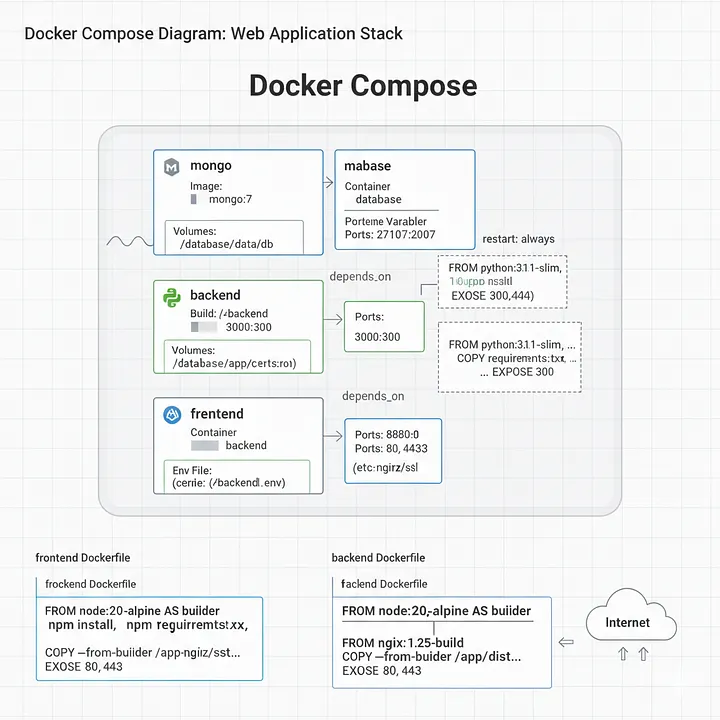
In software development, we often face challenges that go beyond code. This is the story of how a seemingly simple business need turned into an interesting deployment challenge, taking us from a modern development stack to virtualization on a server stuck in the past.
Introduction: The Problem of “Fees”
At my company, managing recurring client fees, known as “retainer fees,” was a tedious and largely manual process. Although the main management software recorded the files, it lacked crucial features:
- Data history: Retainer fees did not have a lifecycle; they were simply deleted, preventing any historical analysis.
- Advanced reporting: Generating reports on the number of retainers, their distribution by department, their status, or the assigned attorneys required exporting data and manually processing it in Excel.
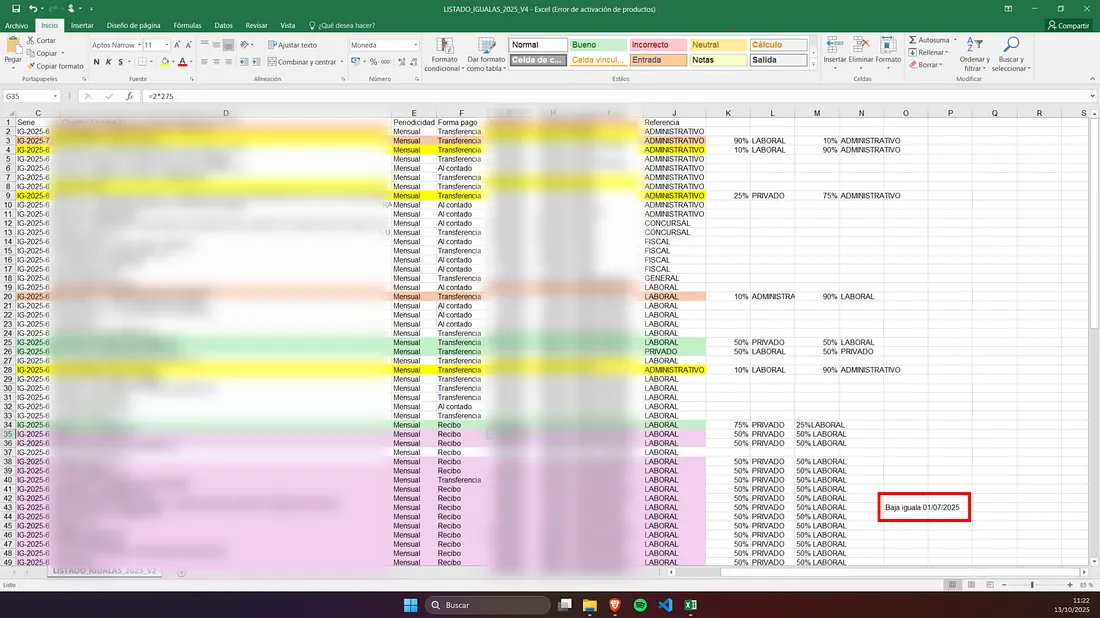
- Zero scalability: The process was prone to human error and consumed a considerable amount of time, a bottleneck that would only worsen as the company grew.
The mission was clear: to develop a customized, scalable, and centralized solution that would automate the management and reporting of these retainers.
The Solution: A Modern Stack for a Classic Problem
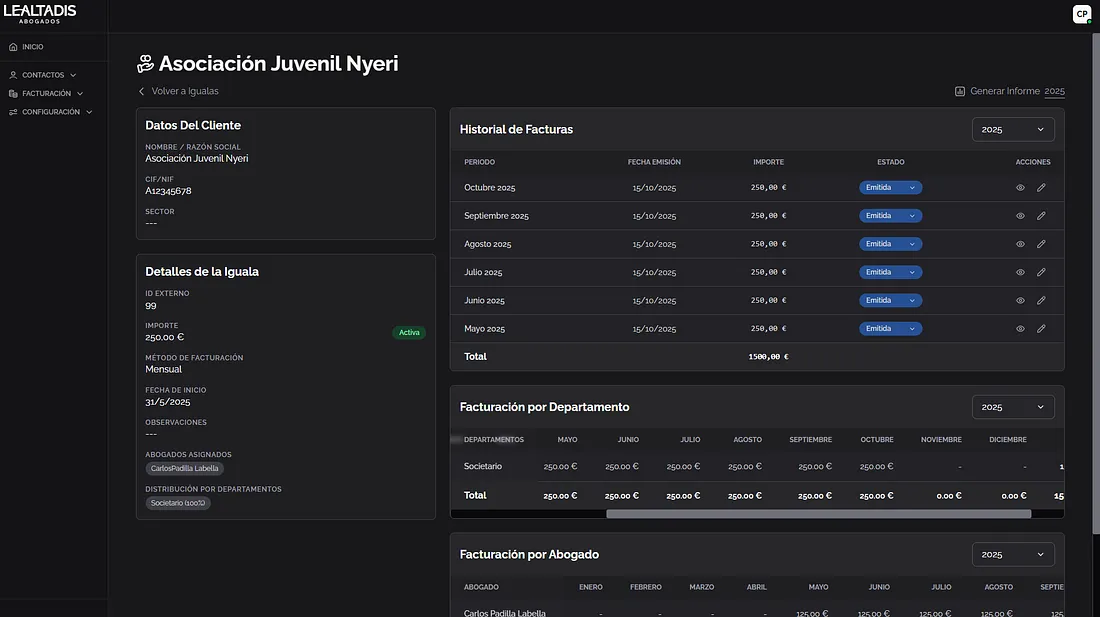
To tackle this challenge, I chose a set of technologies that I feel comfortable with and that allow me to develop quickly and robustly:
- Frontend: A Single Page Application (SPA) built with Vite + React.js. This ensures a smooth, modern, and responsive user experience.
- Backend: A RESTful API developed in Python with the FastAPI framework and served by Uvicorn. FastAPI is incredibly fast, both in performance and development, thanks to its static typing and automatic documentation.
- Database: Here I made a key decision. Instead of opting for a relational database such as MySQL or SQLite, I chose MongoDB. The main reason was its flexibility and scalability. Its NoSQL structure, similar to JSON, would allow me to modify the data schema on the fly without complex migrations, which is invaluable during iterative development. In addition, it aligned with the need for a system that could grow and adapt to future requirements.
After a couple of weeks of focused development, the application was ready: a SPA that communicated with a powerful API and persisted data in a NoSQL database.
The Challenges: From Code to the Real World
Having the code working locally is only half the battle. The real challenge began when planning the deployment in the company’s production environment.
- Structural Complexity: The Python backend had grown into a structure with multiple files and modules. Packaging all of this into a single executable or managing it as a set of scattered scripts would be a nightmare for updates and maintenance.
- SSL Certificate Management: To secure communication, I implemented self-signed certificates. However, this required a cumbersome manual process at each workstation: using Chocolatey to install the certificate and configure it as a root trust entity. Scaling this across the entire company was unfeasible and impractical.
- The Need for “Atomic” Deployment: I knew this would not be the final version. The client already had new features in mind (account reports, new metrics, etc.). I needed a deployment mechanism that was as close to “pushing a button” as possible. The idea of connecting to the server, stopping services, copying files, and crossing my fingers with each update was a recipe for disaster.
The diagnosis was clear: I needed an abstraction layer that would package my application, its dependencies, and its configuration into a cohesive and portable unit. The answer was Docker.
The Ultimate Solution: Docker to the Rescue 🚀
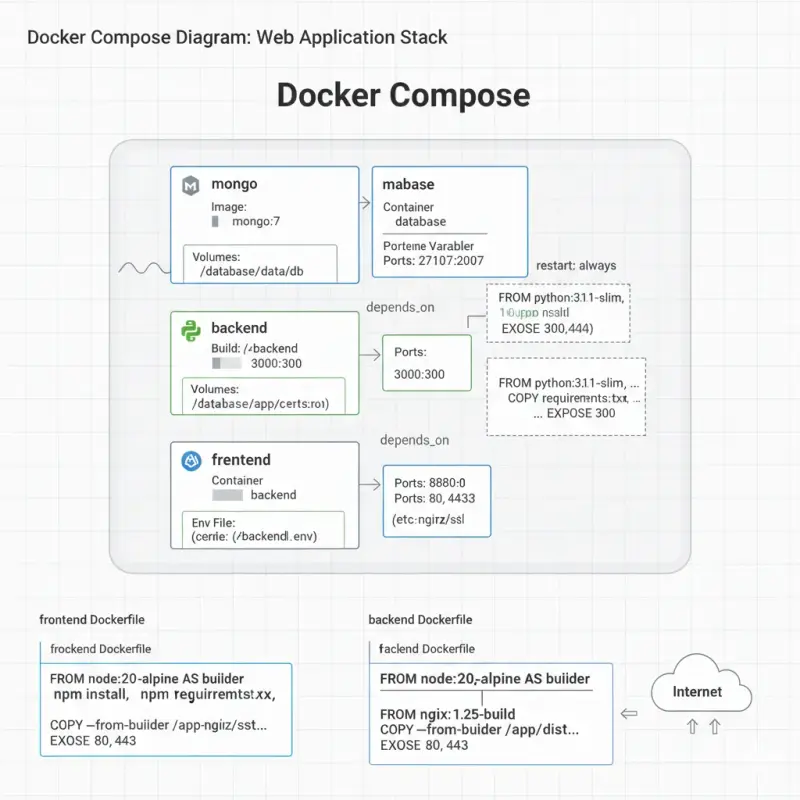
I decided to containerize each component of the application (frontend, backend, and database) and orchestrate them with Docker Compose. This solved all my problems at once:
- Isolated Dependencies: Each service would run in its own container with its own environment and dependencies (the correct version of Python, Nginx, etc.), eliminating conflicts.
- Configuration as Code: The entire application architecture would be defined in a single
docker-compose.ymlfile. - Simplified Deployment: Installing or updating the application on any machine with Docker would be reduced to running a single command:
docker-compose up -d --build.
The Final Wall: Windows Server 2012 R2
With my plan perfectly mapped out, I encountered the last major obstacle: the production server. It was a Windows Server 2012 R2, a version that is not compatible with Docker. The existing infrastructure did not allow me to deploy my modern solution.
Fortunately, the server had the Hyper-V role enabled. The solution was to create a “server within the server”:
- Create a Virtual Machine: I provisioned a new lightweight virtual machine with Debian.
- Install Docker: Inside the VM with Debian, I installed Docker and Docker Compose.
- Deploy: I copied my project to the VM and ran the deployment command.
The Final Architecture
The final solution was orchestrated by the following docker-compose.yml:
services:

  mongo:
    image: mongo:7
    container_name: database
    ports:
      - "27017:27017"
    volumes:
      - ./database:/data/db
    env_file:
      - ./.database.env
    restart: always

  backend:
    build: ./backend
    container_name: backend
    ports:
      - "3000:3000"
    volumes:
      - ./backend:/app
      - ./certs:/app/certs:ro
    env_file:
      - ./backend/.env
    depends_on:
      - mongo
    restart: always

  frontend:
    build: ./frontend
    container_name: frontend
    ports:
      - "8080:80"
      - "443:443"
    volumes:
      - ./certs:/etc/nginx/ssl:ro
    depends_on:
      - backend
    restart: always
The frontend is served through a multi-stage Dockerfile that first builds the React application and then copies the static files to a lightweight Nginx image, optimizing size and security.
ROM node:20-alpine AS builder

WORKDIR /app
COPY package*.json ./
RUN npm install
COPY . .
RUN npm run build

FROM nginx:1.25-alpine

COPY --from=builder /app/dist /usr/share/nginx/html

COPY nginx.conf /etc/nginx/conf.d/default.conf

EXPOSE 80
EXPOSE 443
And the Backend Dockerfile:
FROM python:3.11-slim

WORKDIR /app

COPY requirements.txt .

RUN pip install --no-cache-dir -r requirements.txt

COPY . .

EXPOSE 3000

CMD ["python", "backend.py"]
This project was a journey from identifying an operational inefficiency to implementing a robust technological solution in a restrictive environment. Choosing a modern stack such as React, FastAPI, and MongoDB provided the necessary agility in development. However, it was the adoption of Docker and virtualization with Hyper-V that ensured a clean, scalable, and, above all, repeatable deployment.
The most important lesson is that often the biggest challenges lie not in the logic of the application, but in the bridge we build to bring that logic to the real world. And on that bridge, tools like Docker are the fundamental pillars.
<3 Carlos